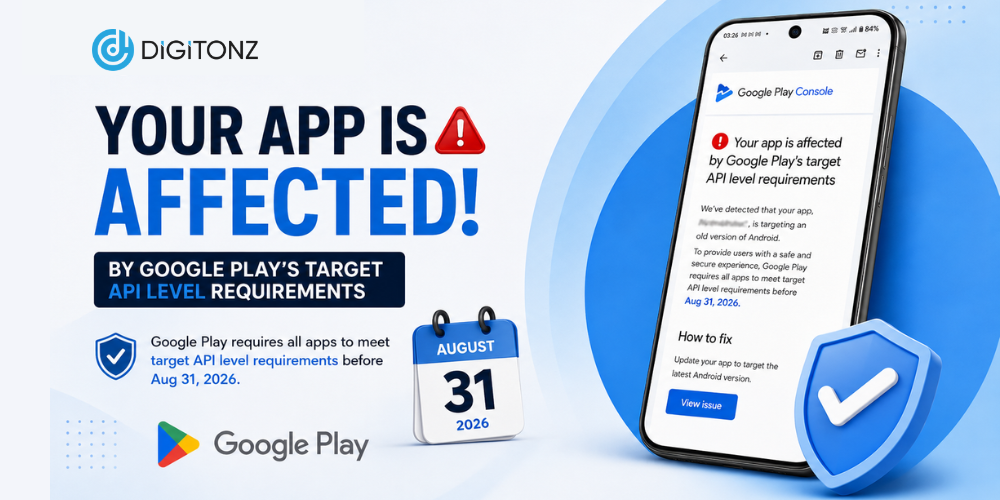
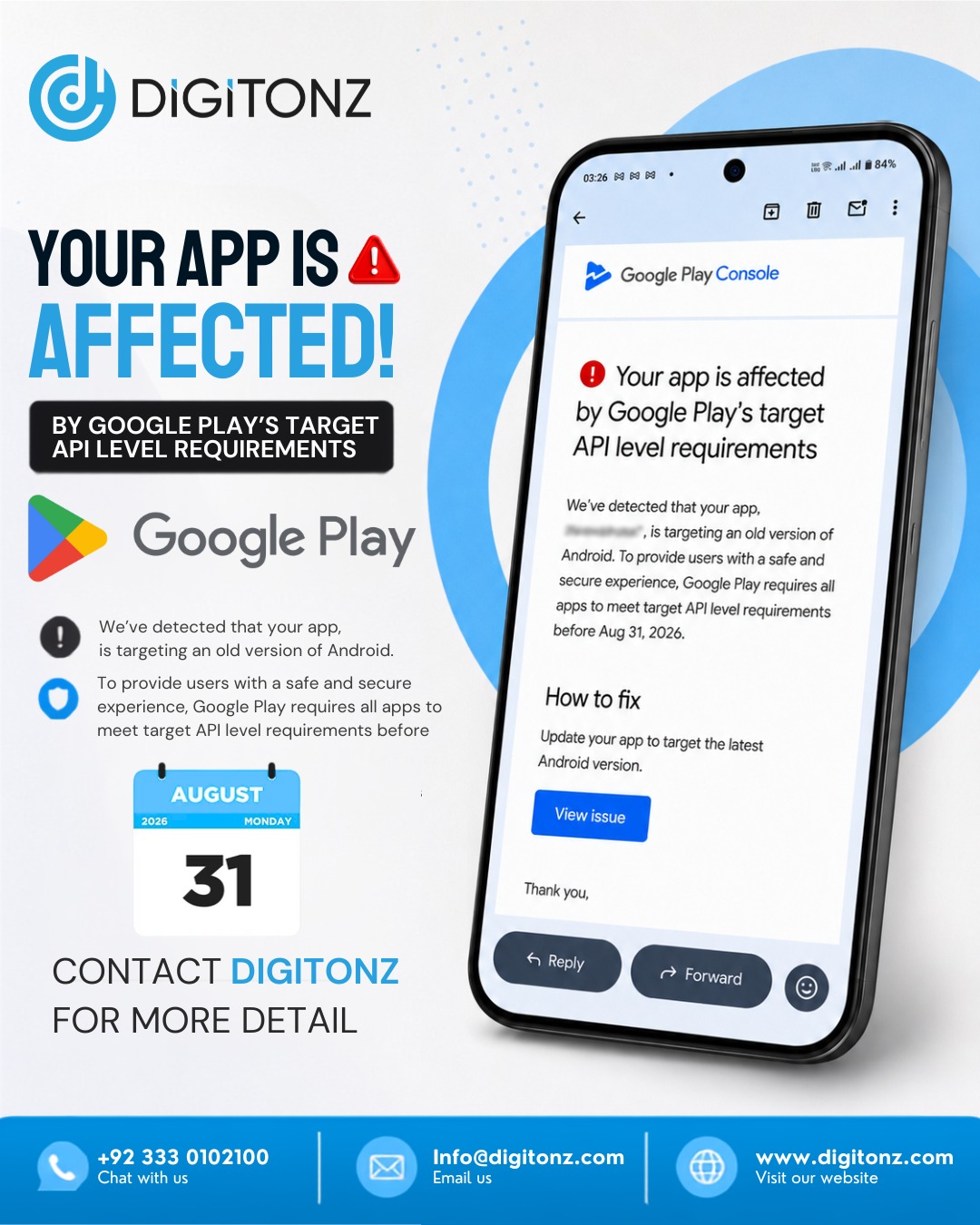
If your business has an Android app available on Google Play, there is an important update you should be aware of. Google is increasing its target API level requirements, and apps that do not meet the required standards may face limitations on Google Play.
From August 31, 2026, new Android apps and app updates submitted to Google Play will need to target Android 16 (API level 36) or higher. Existing apps also need to meet specific API requirements to remain available to users on newer Android devices.
If your app is currently using an older target API level, now is a good time to check its status and plan the necessary updates.
What Is the Google Play Target API Level?
The Google Play target API level indicates the version of Android that an application is designed and optimized to work with.
Android regularly introduces new features, security improvements, privacy controls, and changes to how applications operate. Because of this, Google periodically increases its target API level requirements for applications published on Google Play.
For app owners, this means that an application that was fully compliant when it was launched may eventually need technical updates to remain compatible with Google’s latest requirements.
What Is Changing in 2026?
The upcoming changes to the Google Play API level requirements are particularly important for Android developers and businesses.
From August 31, 2026:
- New mobile apps must target Android 16 (API level 36) or higher.
- Updates submitted for existing mobile apps must target API level 36 or higher.
- Existing apps need to target at least Android 15 (API level 35) to remain available to new users on newer Android versions.
- Eligible developers may have the option to request additional time, with an extension potentially available until November 1, 2026.
Requirements can differ for other Android platforms, including Wear OS, Android TV, Android Automotive OS, and Android XR.
Why Is Google Increasing the API Requirements?
The purpose of these Google Play app requirements is to encourage developers to keep their applications updated with modern Android standards.
Newer Android versions can introduce improvements in areas such as:
- App security
- User privacy
- Device compatibility
- Application performance
- Permissions
- User experience
- Platform functionality
By requiring applications to target newer Android versions, Google encourages developers to maintain applications that can work properly with the evolving Android ecosystem.
For businesses, keeping an app technically updated can also provide a better experience for customers using newer smartphones.
What Happens If Your App Doesn’t Meet the Requirements?
If your application is targeting an outdated Android API level, it may eventually become unavailable to new users on devices running newer Android versions.
This does not necessarily mean that Google will immediately remove the application from the Play Store. However, restrictions on availability can reduce the number of new users who are able to discover or install the app.
This can be a significant concern for businesses that depend on their Android application for:
- Online shopping
- Customer bookings
- Payments
- Service requests
- Customer accounts
- Lead generation
- Communication
- Business operations
For companies that rely heavily on mobile users, an outdated application can potentially affect customer acquisition and overall business performance.
How Can You Check If Your Android App Is Affected?
The first step is to find out which API level your application currently targets.
Your development team should review the following areas:
- Current target SDK or targetSdkVersion
- Android SDK configuration
- Compatibility with newer Android versions
- Third-party libraries and dependencies
- Google Play Console notifications
- App permissions
- Existing compatibility problems
- Application performance and functionality
If your application is targeting an older version of Android, a technical review can help determine exactly what needs to be changed before submitting a new version.
What Is Android 16 API Level 36?
Android 16 API level 36 is the target API level that becomes particularly important for Android applications under the 2026 Google Play requirements.
For new applications and updates submitted after the relevant deadline, developers need to ensure that their apps meet the required target level.
However, updating an app to Android 16 API level 36 is not always just a matter of changing one setting.
Depending on the age and technical structure of the application, additional development work may be required.
Does Updating the Target API Mean Rebuilding the App?
Not necessarily.
The amount of work depends on how the application was originally developed and how old its underlying code, libraries, and dependencies are.
A relatively modern application may only require targeted technical updates and testing. An older application, however, could have outdated libraries or code that needs to be modified before it can work properly with the newer Android requirements.
Developers may need to:
- Update outdated dependencies
- Modify incompatible code
- Review permissions
- Resolve build issues
- Test application functionality
- Fix crashes or bugs
- Check third-party integrations
- Test the app on newer Android devices
This is why it is better to review the application before the deadline rather than waiting until the last moment.
Android App Update Requirements: What Should You Do?
If your application is affected, your development team should start preparing the update as early as possible.
1. Check Your Current API Level
First, identify the API level your application currently targets. This will help determine whether your app needs an update.
2. Review Your App’s Technology
Check the Android SDK, libraries, frameworks, plugins, and third-party integrations being used by the application.
3. Update the Application
Make the necessary technical changes to bring the application in line with the latest Android app update requirements.
4. Test Everything
Testing is an important part of the update process. Developers should check important features, screens, forms, payments, notifications, login systems, and integrations.
5. Fix Compatibility Problems
Any errors, crashes, unexpected behavior, or compatibility issues should be resolved before the new version is released.
6. Prepare the Google Play Release
After development and testing are complete, the updated application can be prepared for submission through the Google Play Console.
Why Should You Update Your App Early?
Waiting until the deadline can put unnecessary pressure on your development team.
Starting early provides enough time to identify technical issues, make the required changes, test the application, and deal with unexpected problems.
An early Google Play app update can help you:
- Avoid last-minute development work
- Identify compatibility issues sooner
- Update outdated libraries
- Improve application stability
- Test the app properly
- Reduce the risk of submission problems
- Maintain access to newer Android users
For businesses that depend on their mobile application, taking action early is a much safer approach.
Need Help With Your Android App?
If you have received a notification regarding target API level requirements, Digitonz can help you understand what your application needs.
At Digitonz, we provide digital solutions and development services for businesses that want to maintain reliable and up-to-date applications.
Our team can review your existing Android application, identify potential technical issues, work on the required updates, and help prepare your app for Google Play submission.
Whether you need an Android app update, application maintenance, or assistance with Google Play API level requirements, getting your application reviewed before the deadline can help you avoid unnecessary complications.
Don’t Wait Until the Deadline
The 2026 Google Play target API level update is an important consideration for Android app owners and developers.
If your application is currently targeting an older API level, don’t wait until August 31, 2026 to find out whether it is affected. Review your app, identify the required updates, and give your development team enough time for implementation and testing.
Need assistance with your Android app? Contact Digitonz today for more details.
Call / WhatsApp: +92 333 0102100
Email: info@digitonz.com