If you have an Android application published on Google Play, there is an important developer requirement you should know about. Google is introducing a new Android Developer Verification system to make Android app distribution safer and provide users with greater confidence about the developers behind the apps they install.
As part of this process, developers need to make sure their apps are properly registered and that their developer information is verified.
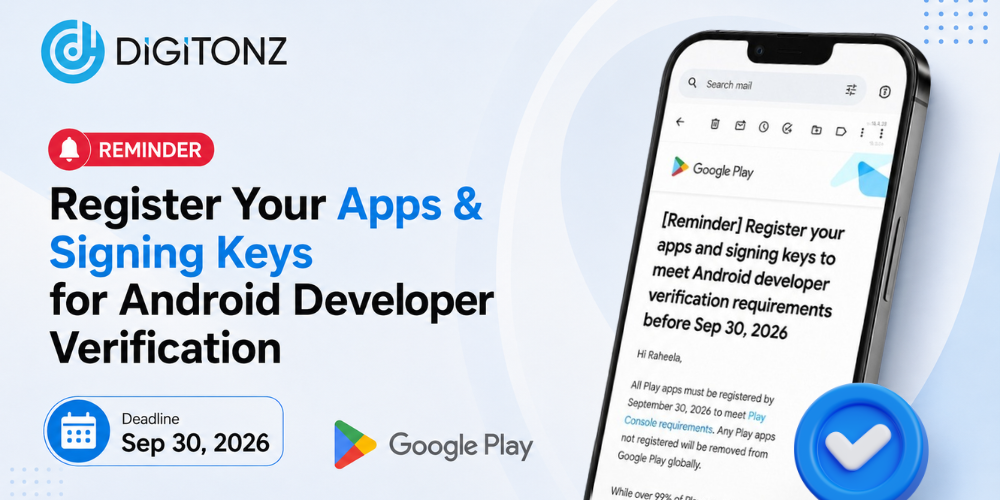
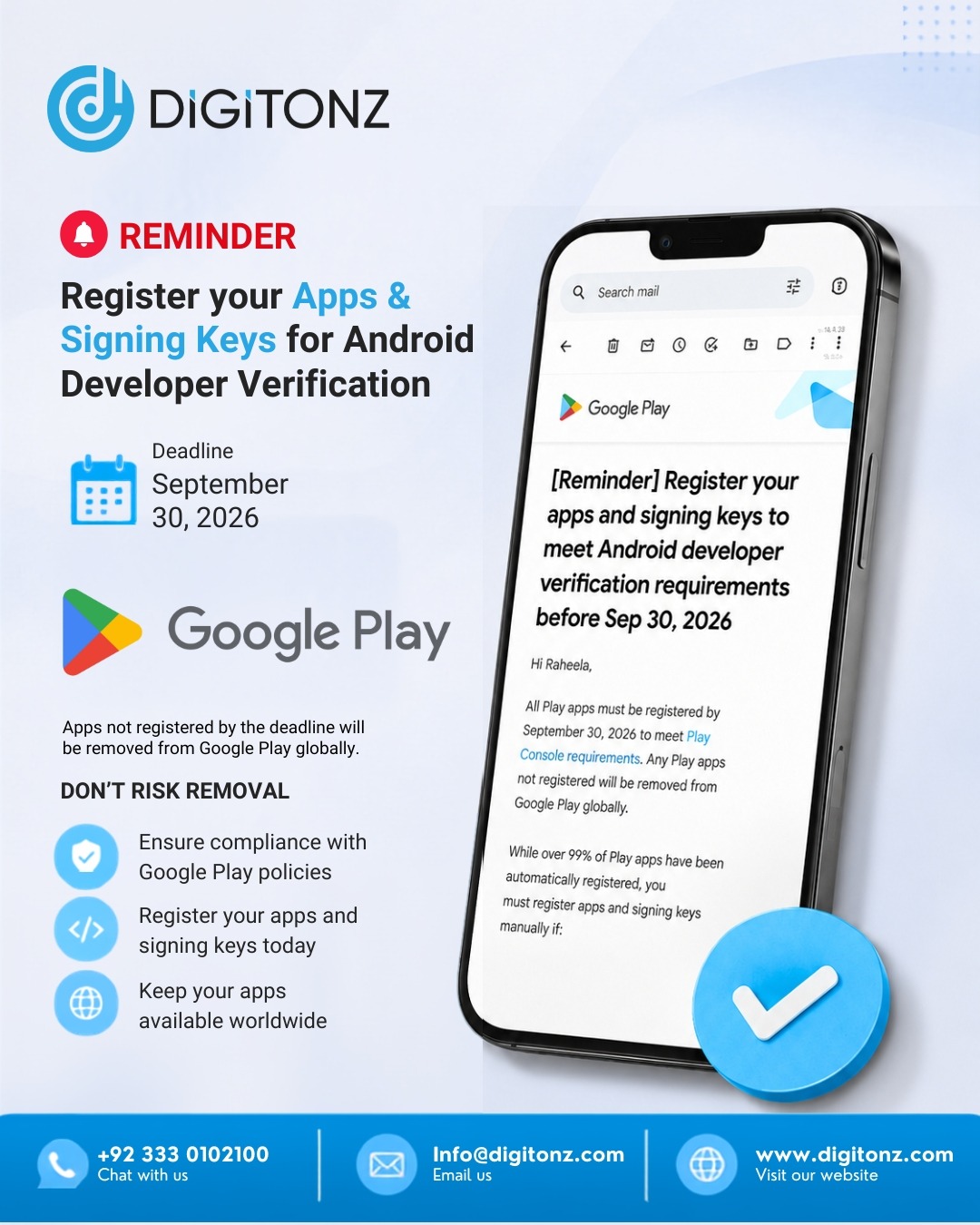
For many developers, the Google Play app registration deadline of September 30, 2026 is an important date to keep in mind.
If you manage an Android app for your business or clients, it is a good idea to check your registration status now instead of waiting until the deadline.
What Is Android Developer Verification?
Android Developer Verification is a new system introduced to help establish greater trust between Android users and app developers.
The process connects a verified developer identity with the applications they distribute. This helps create a clearer connection between an app and the developer responsible for it.
The verification process can involve two important areas:
- Verifying the developer’s identity
- Registering the applications associated with the developer
For businesses with applications on Google Play, understanding these requirements can help prevent unnecessary issues with future app distribution.
What Is the Google Play App Registration Deadline?
The Google Play app registration deadline is an important milestone for developers preparing for the new Android verification system.
By September 30, 2026, developers should make sure that their relevant applications have been properly registered and that any required developer verification has been completed.
The rollout will initially affect selected regions before expanding more broadly. Google plans to expand the Android Developer Verification system globally in 2027.
This means developers should not wait for the global rollout before preparing their applications.
Do You Need to Register Your Google Play App?
If you have an application published on Google Play, you should check your developer account and confirm its registration status.
A large number of existing Google Play apps may already have been registered automatically. However, developers should still review their applications to make sure there are no outstanding actions.
This is especially important if you manage several applications under one developer account.
Your apps could include:
- Business applications
- E-commerce apps
- Customer service apps
- Booking applications
- Internal company apps
- Client applications
- Older applications that are still available on Google Play
Checking every application can help you identify any app that may still require action.
What Is an Android App Package Name?
Every Android application has a unique identifier called a package name.
A package name usually looks something like:
com.companyname.application
It distinguishes one Android application from another and plays an important role in application management and distribution.
During the registration process, developers may need to confirm the package name associated with their application.
If your business manages multiple apps, make sure you have a clear record of the package names for each application.
Why Is App Signing Key Registration Important?
Another important part of Android application security is the app signing key.
An Android app is signed to establish its authenticity and help verify that updates are coming from the legitimate developer.
App signing key registration connects the appropriate signing information with the application being registered.
Developers should be particularly careful when dealing with signing information because it is an important part of the application’s identity and update process.
If you are unsure which signing key is associated with your application, it is better to have a developer review your app configuration before submitting any information.
What Happens If You Don’t Register Your App?
Ignoring the new requirements could create problems for developers who want to continue distributing their applications.
Apps that are not properly registered by the applicable deadline may face restrictions or removal from Google Play under the updated requirements.
For a business, losing access to Google Play distribution could have a direct impact on customers who rely on the application.
Potential consequences may include:
- Difficulty distributing the application
- Loss of access to new users
- Disruption to customer services
- Problems with future app updates
- Additional work to restore compliance
For this reason, completing the required registration before the deadline is a safer approach.
How Can You Check Your App Registration?
You can review your application information through your Google Play developer account.
If you manage an Android application, check your Google Play Console requirements and look for any notifications or actions related to developer verification and app registration.
A basic review should include:
- Sign in to your Google Play developer account.
- Review your developer verification status.
- Check the registration status of your applications.
- Identify apps that require additional information.
- Review package names and signing information.
- Complete any outstanding requirements.
If you manage multiple apps, repeat the process for each application rather than checking only your main app.
What Information May Be Required?
The information required can vary depending on whether you are registered as an individual developer or an organization.
Developers may need to provide information related to their identity and developer account.
For organizations, additional business information may also be required.
Depending on your account, the process may involve details such as:
- Developer name
- Contact information
- Business information
- Address
- Identity verification details
- Organization information
- Application package information
- Signing key details
Having accurate information available can make the verification process easier.
What If You Manage Multiple Android Apps?
Businesses and agencies often have several applications under one Google Play developer account.
If this applies to you, create a complete list of your applications and review each one.
Pay particular attention to:
- Old applications
- Client apps
- Apps with different package names
- Apps that are rarely updated
- Multiple versions of similar applications
- Applications still used by existing customers
An application that is rarely maintained can easily be overlooked, so reviewing your entire portfolio is important.
Is This Requirement Only for Google Play?
The new Android verification system is part of a wider effort to improve app distribution and developer accountability across the Android ecosystem.
Google Play is a major part of the process, but the broader Android Developer Verification system is designed to work across participating app distribution channels.
Google plans to expand the system globally, so developers who distribute applications outside Google Play should also pay attention to future requirements.
Why Should You Complete the Process Early?
Waiting until the last few days before the Google Play app registration deadline can create unnecessary pressure.
If you discover that your developer account needs additional verification or an application requires manual registration, you may need extra time to resolve the issue.
Completing the process early gives you time to:
- Review all applications
- Verify your developer account
- Register missing apps
- Check package names
- Review signing key information
- Resolve account issues
- Prepare for future Android requirements
This is particularly important for businesses whose mobile applications are an essential part of their customer experience.
Need Help With Your Android App?
Keeping an Android application compliant requires more than simply publishing it on Google Play. Developers need to monitor platform changes, security requirements, developer policies, technical updates, and application compatibility.
Digitonz can help businesses with their Android app development, maintenance, technical updates, and related requirements.
If you are unsure about Android app registration, developer verification, package names, or signing keys, our team can review your application and help you understand what needs to be done.
Whether you have one business application or manage several apps for different clients, getting your applications reviewed early can help you stay prepared.
Don’t Wait Until September 30, 2026
The Google Play app registration deadline is an important date for Android developers and businesses with applications on Google Play.
Although many existing apps may already have been registered automatically, it is still important to check your developer account and make sure there are no pending requirements.
Completing Google Play developer verification and app registration early can help you avoid unnecessary distribution issues and prepare your applications for the wider Android verification rollout.
Need help with your Android app or Google Play requirements? Contact Digitonz today.
Call / WhatsApp: +92 333 0102100
Email: info@digitonz.com